
Create production-ready stills with Kling Image 3.0—without the complexity
Kling Image 3.0 is Kuaishou Technology’s still-image model in the Kling AI 3.0 lineup (announced February 5, 2026), built for cinematic realism and professional-grade visual development. It supports 2K and 4K ultra-high-definition output, positioning it for workflows like virtual scene visualization and production asset creation.
On Vidofy.ai, you can access Kling Image 3.0 from a single, streamlined workspace: write prompts, iterate variants, manage projects, and keep your best generations organized for handoff to design, marketing, or pre-production. Instead of juggling different tools and interfaces, Vidofy keeps your Kling Image 3.0 workflow centralized so you can move faster from concept to usable stills.
Because Kuaishou positions the Image 3.0 series for realism—preserving textures, lighting, and material qualities with high fidelity—Kling Image 3.0 is especially suited to creators who need believable visuals, not just “pretty pictures.”
Made with Kling Image 3.0: Cinematic still ideas to try next
Browse prompt ideas you can run on Vidofy with Kling Image 3.0 to explore realistic lighting, texture, and materials.
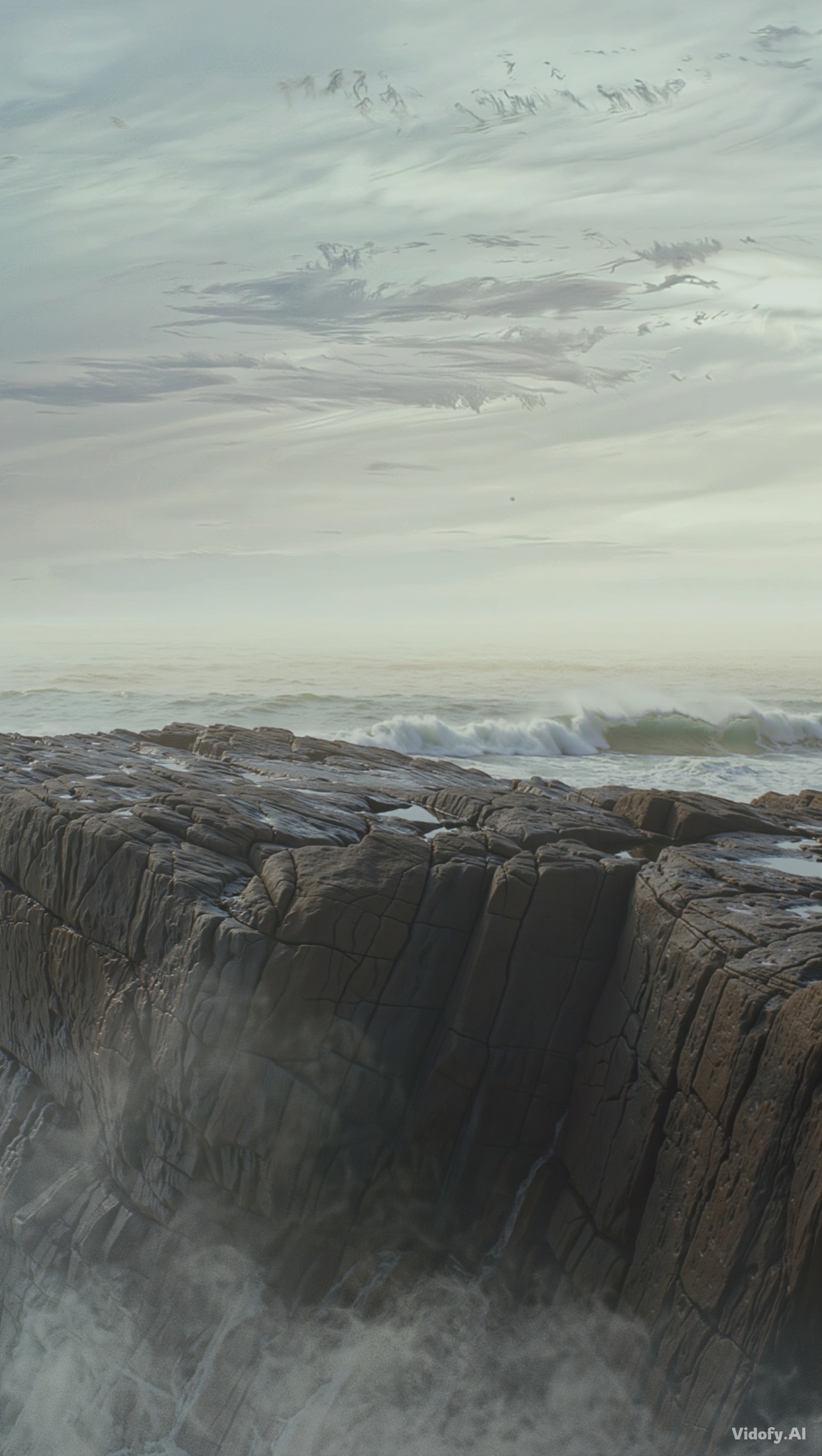
"A foggy coastal cliff at dawn, muted palette, wet rock texture, sea spray in the air, cinematic composition with negative space"
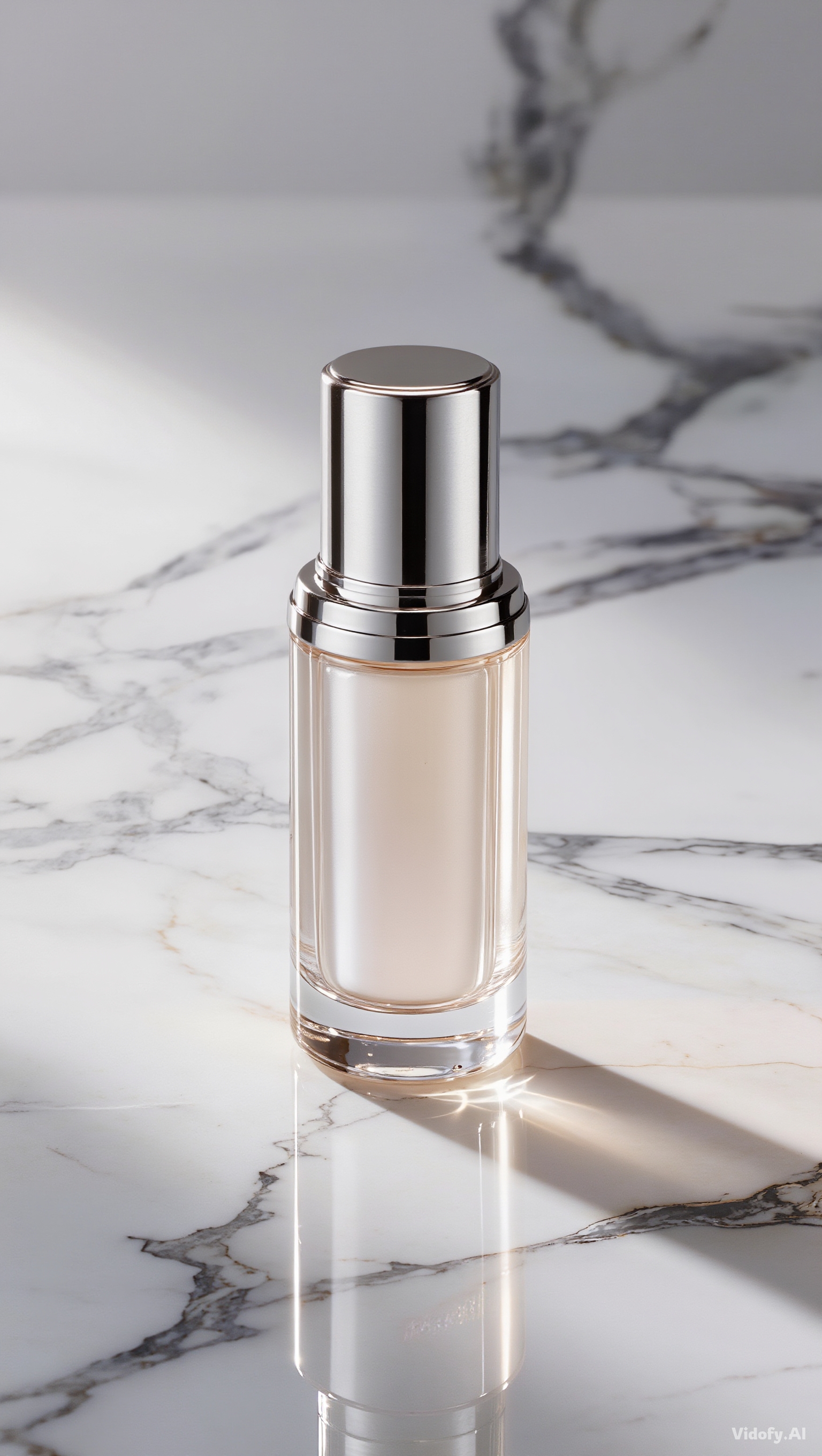
"Luxury skincare product on marble, soft studio highlights, accurate subsurface look for translucent gel, premium ad framing"

"Old library interior, warm tungsten practicals, dust motes in light beams, wood grain and worn leather detail, quiet mood"
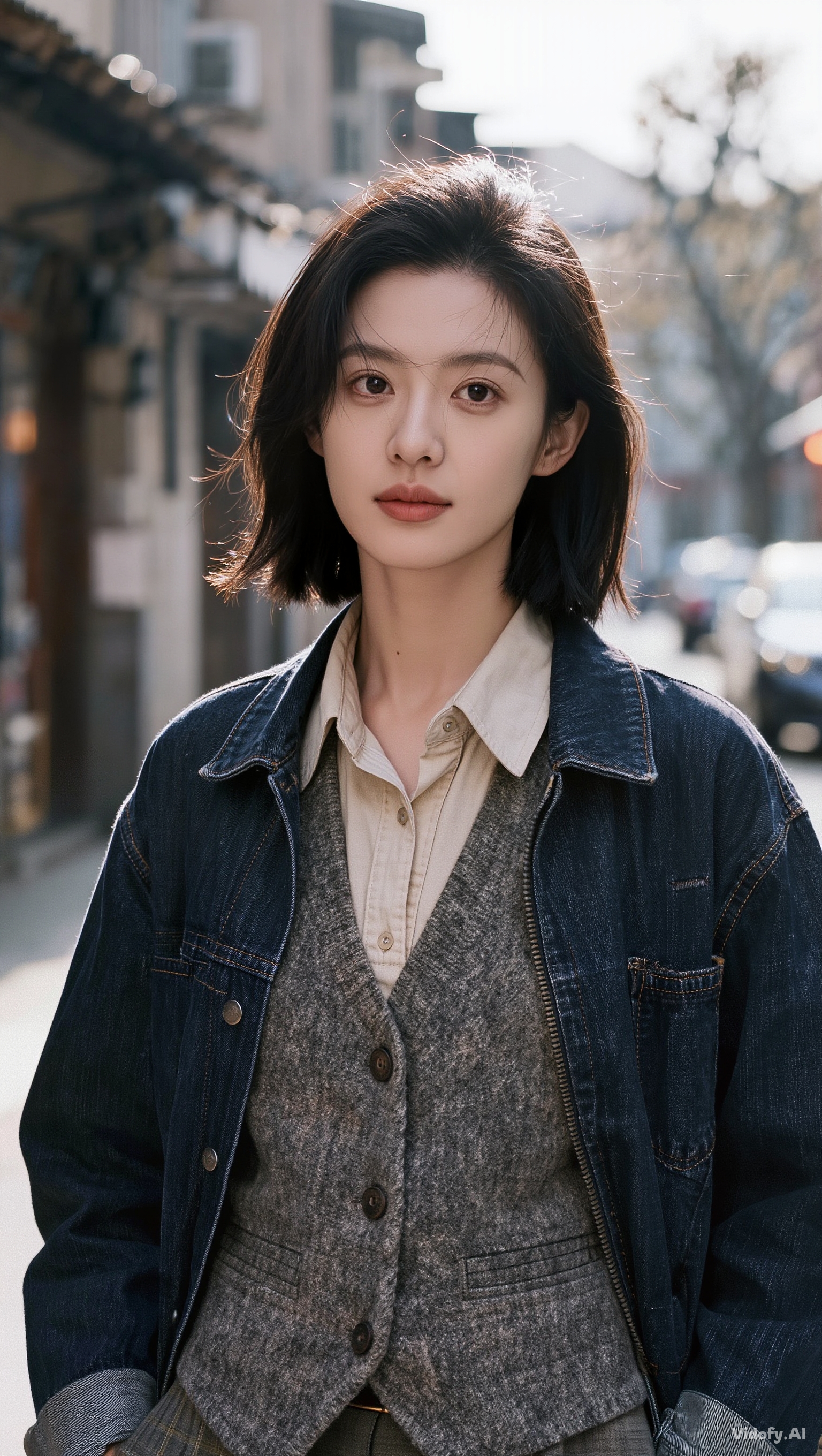
"Street portrait in overcast weather, realistic fabric layering, natural skin tones, gentle background separation, documentary feel"

"Futuristic cockpit still, brushed metal and glass reflections, subtle wear, believable instrument lighting, cinematic contrast"
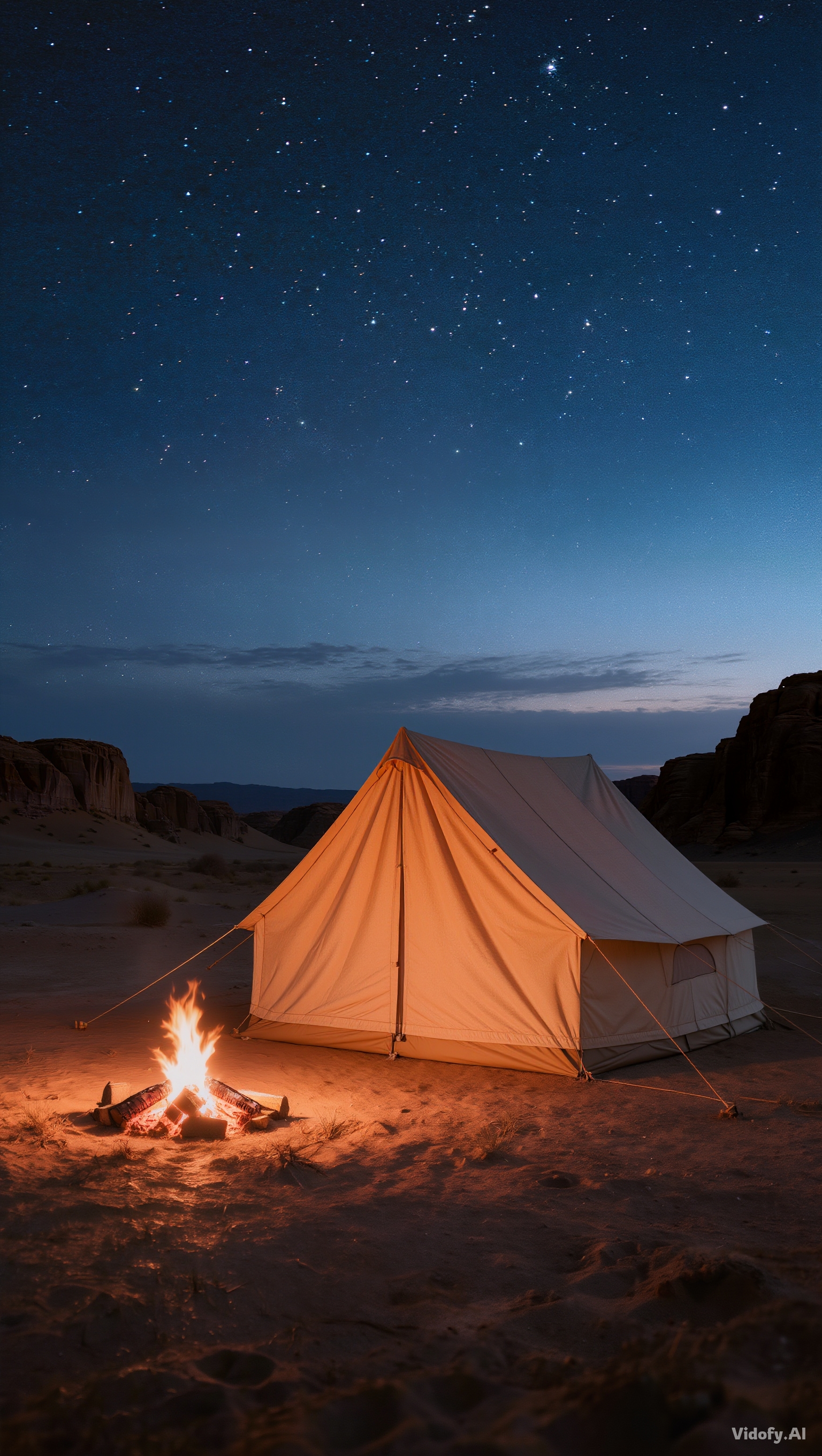
"Desert campsite at blue hour, cool shadows, warm firelight bounce, fabric tent texture, distant stars with mild haze"
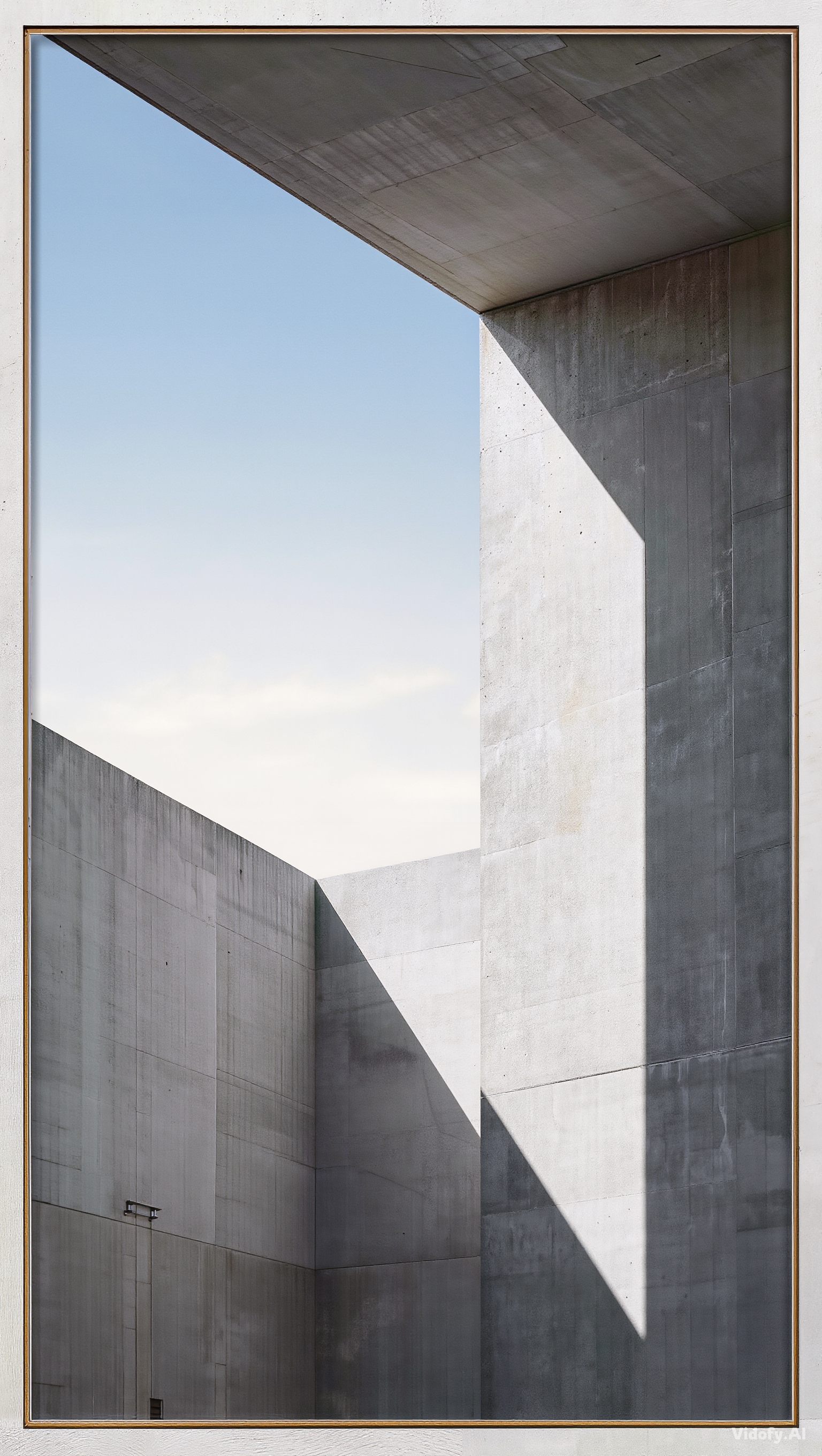
"Minimalist architectural exterior, clean concrete, precise shadow edges, realistic sky gradient, magazine-style framing"

"Macro still of a vintage camera body, knurled dials, engraved lettering, micro-dust, controlled specular highlights"
Kling Image 3.0 in Action: Prompts built for cinematic realism
| Prompt | Result |
|---|---|
|
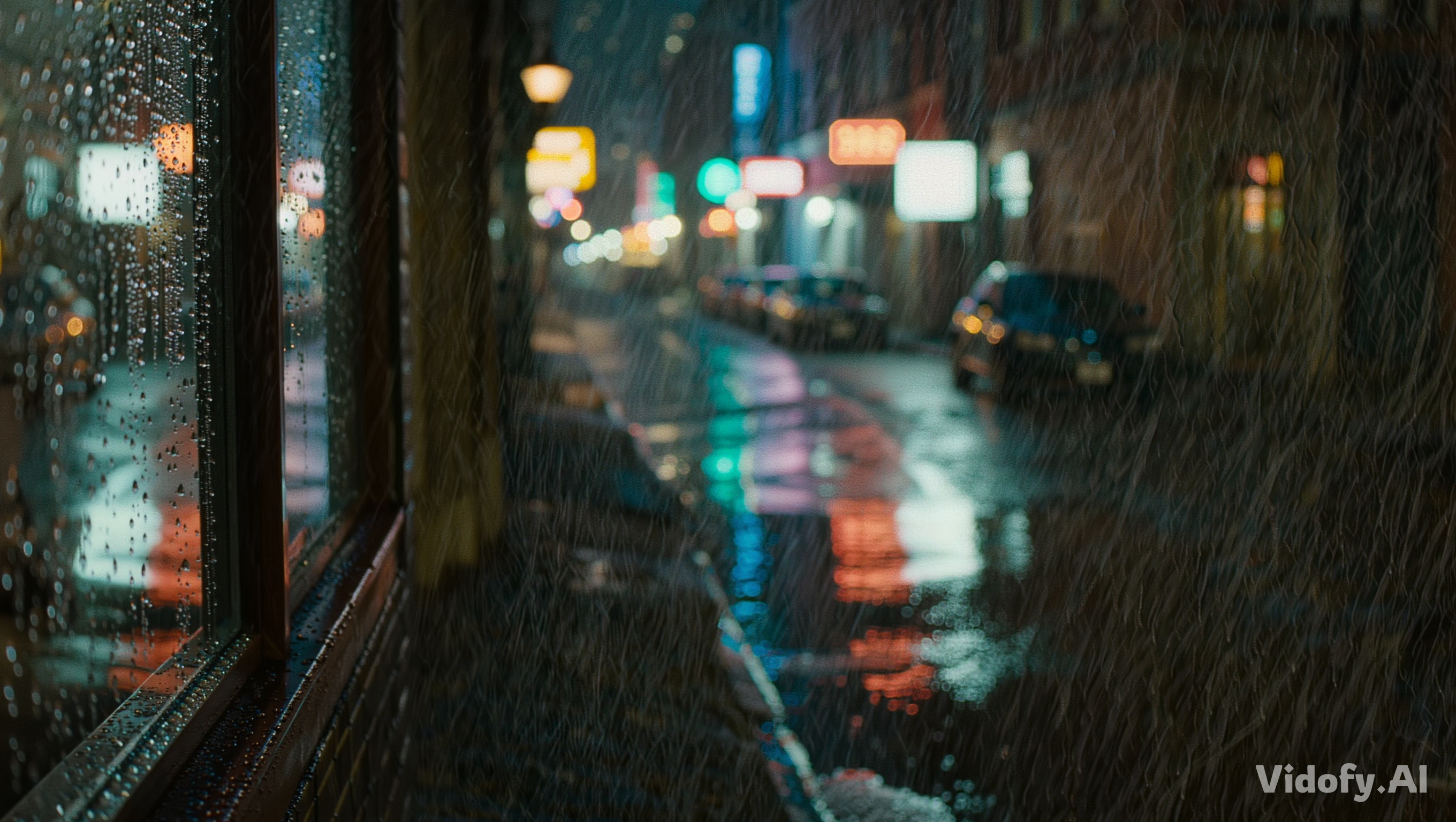
"A cinematic still of a rain-soaked neon alley at night, wet asphalt with mirror-like reflections, shallow depth of field, realistic water droplets on a glass storefront, soft volumetric haze, natural film grain, high contrast but preserved shadow detail" |
|
|
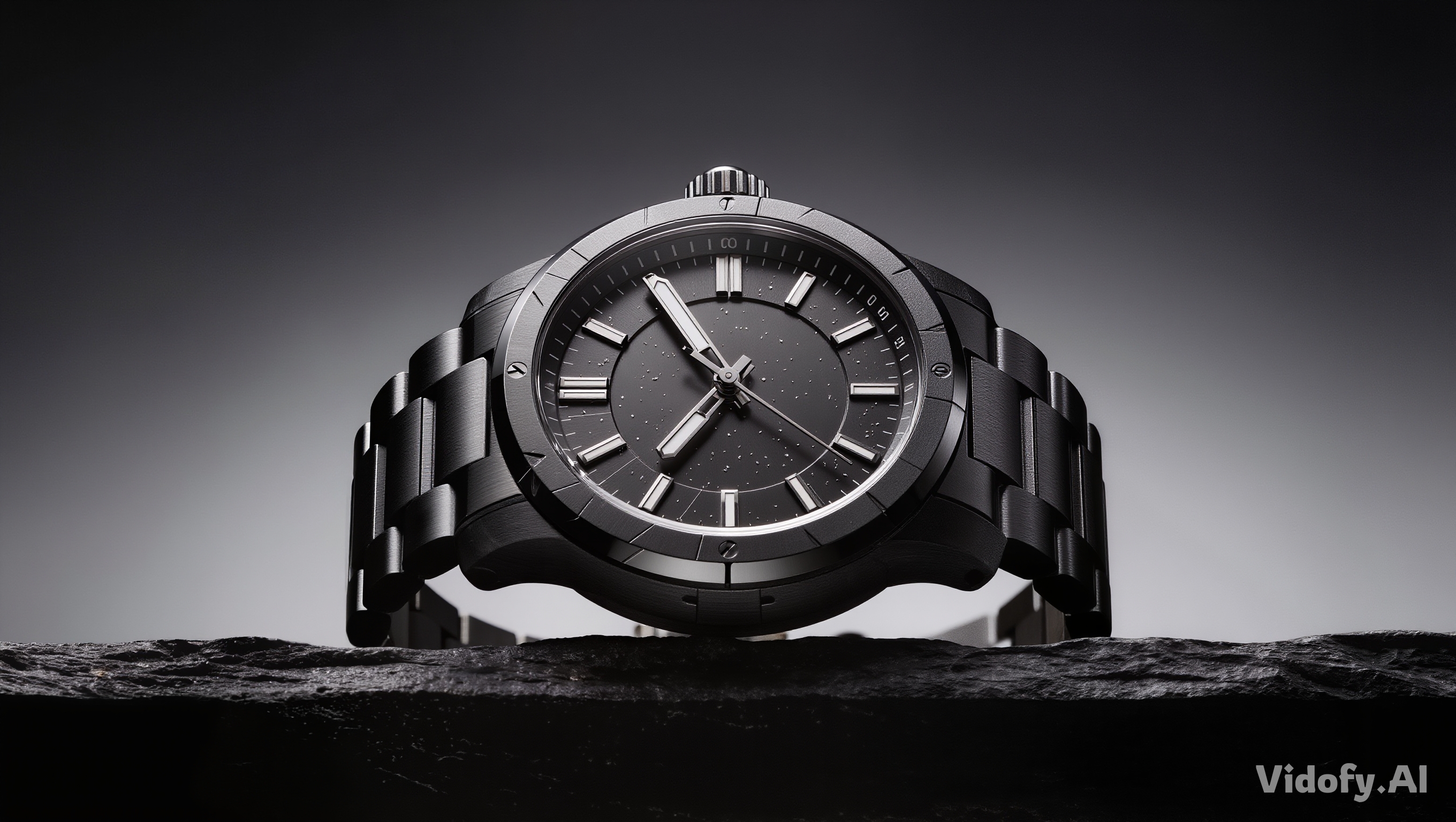
"Photoreal product hero shot: a matte-black mechanical wristwatch on dark slate, precise micro-scratches on metal, accurate softbox reflections, razor-sharp engraving, subtle dust specks for realism, studio backdrop gradient, premium commercial lighting" |
|
|
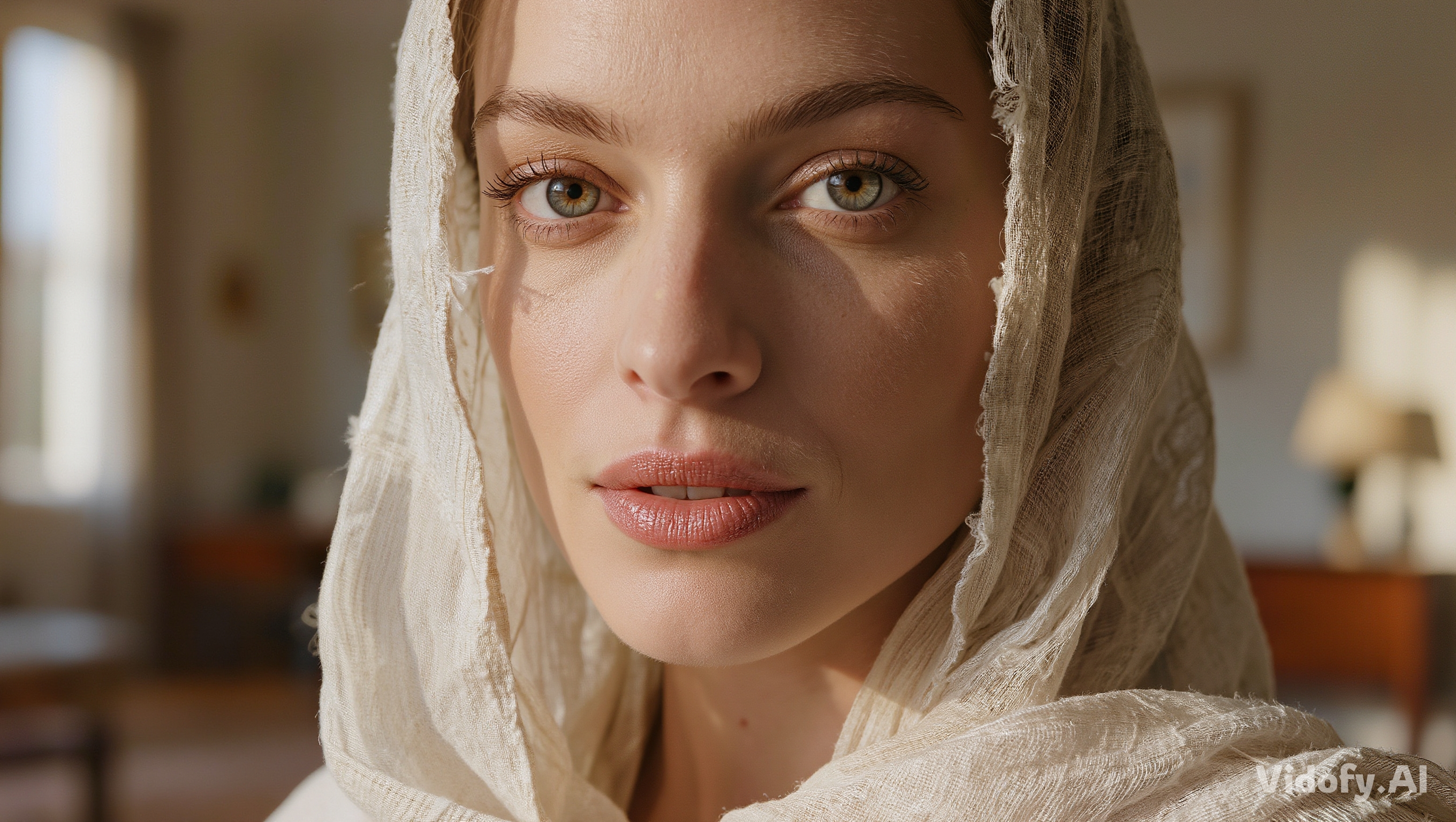
"Close-up portrait in window light: adult subject, believable skin texture (pores, fine vellus hair), natural color rendition, catchlights, shallow depth of field, realistic fabric weave in clothing, editorial fashion photography composition" |
|
|
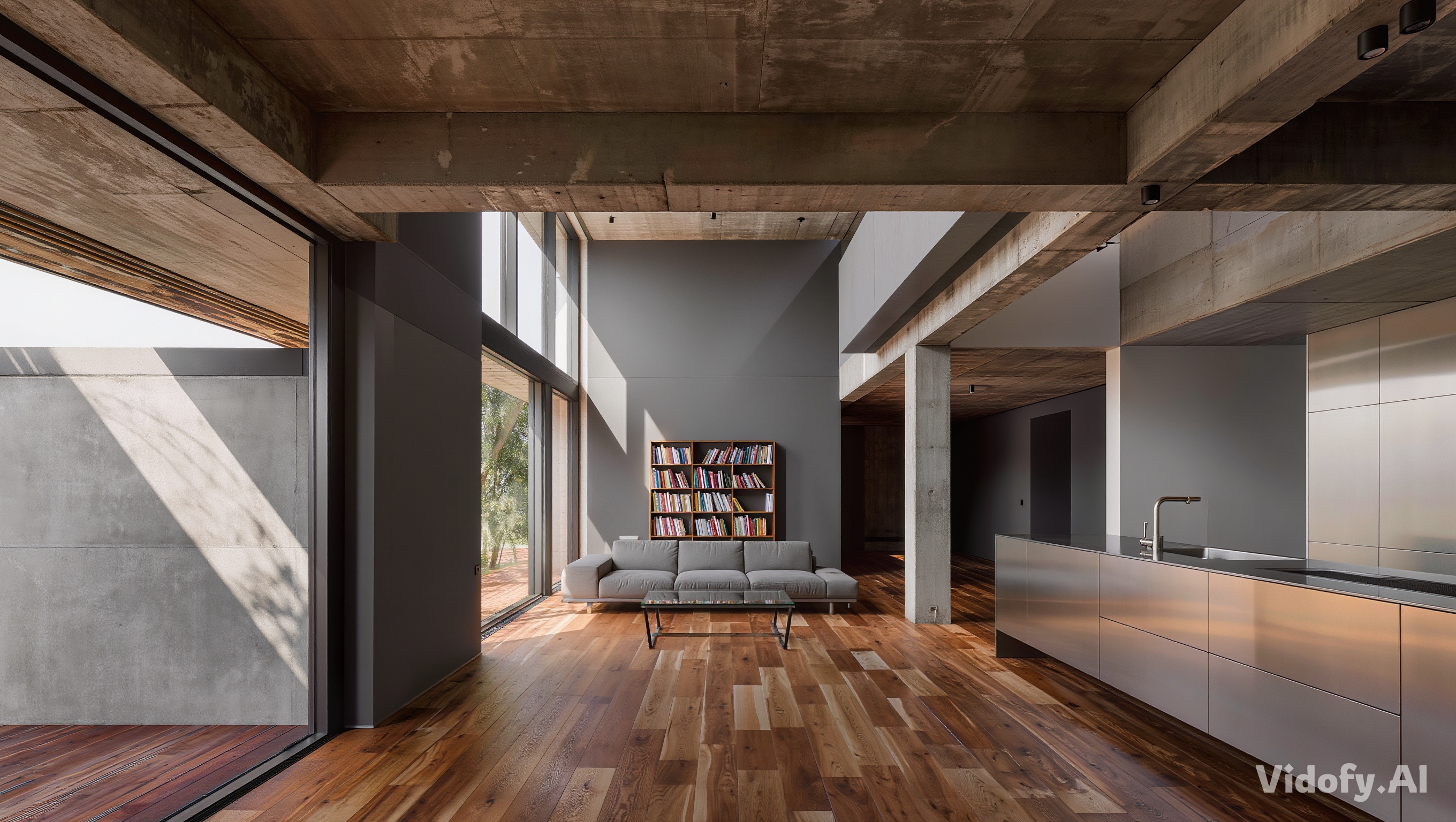
"Architectural visualization still: modern concrete home interior, physically plausible daylight bounce, accurate material response (brushed steel, oiled wood, matte paint), clean lines, realistic shadows, minimal clutter, wide composition with strong perspective" |
|
|
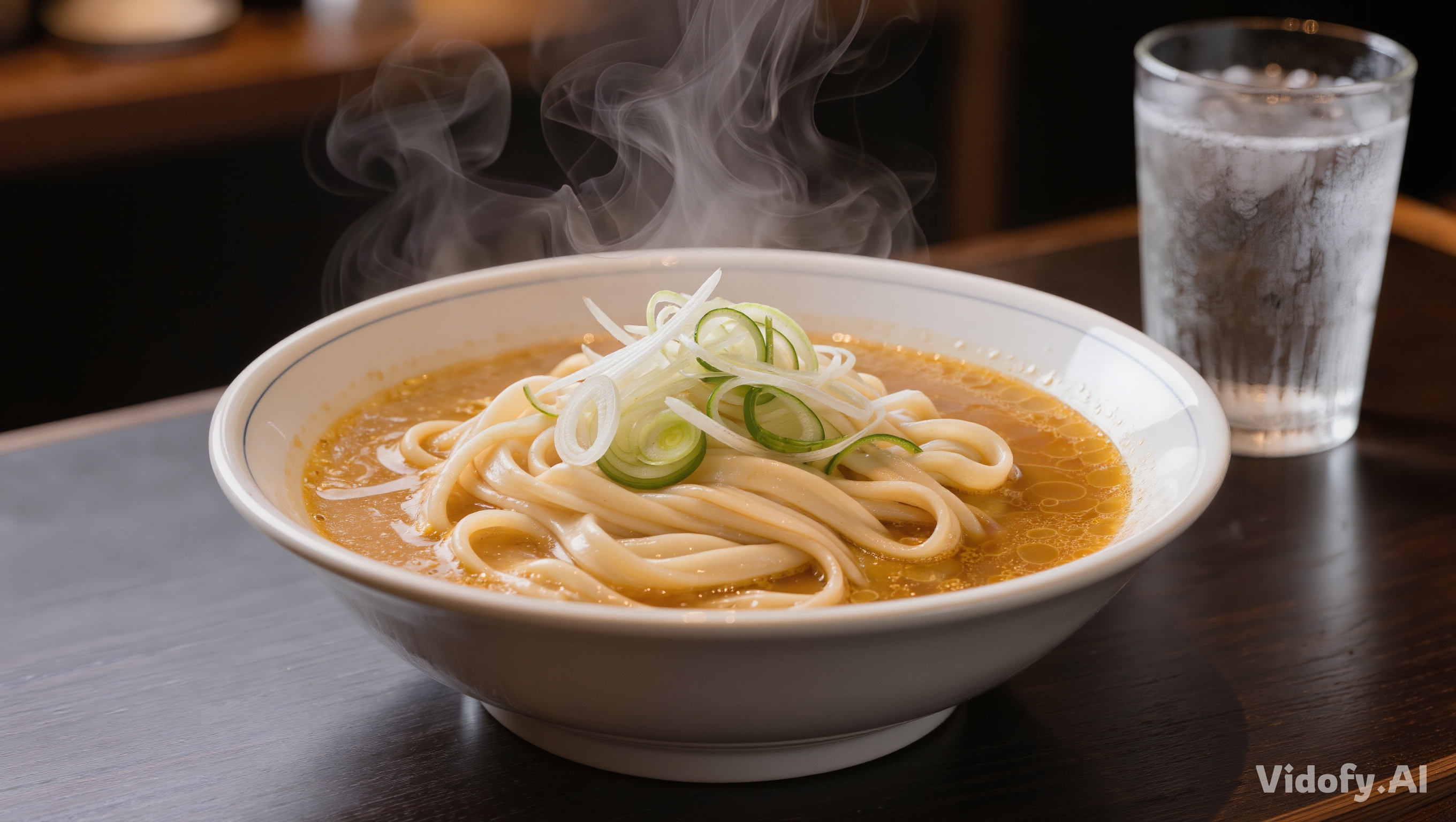
"Food photography: ramen bowl with rich broth sheen, steam that feels real, crisp scallion edges, glossy ceramic highlights, shallow depth of field, moody restaurant lighting, subtle condensation on a cold glass beside the bowl" |
|
|
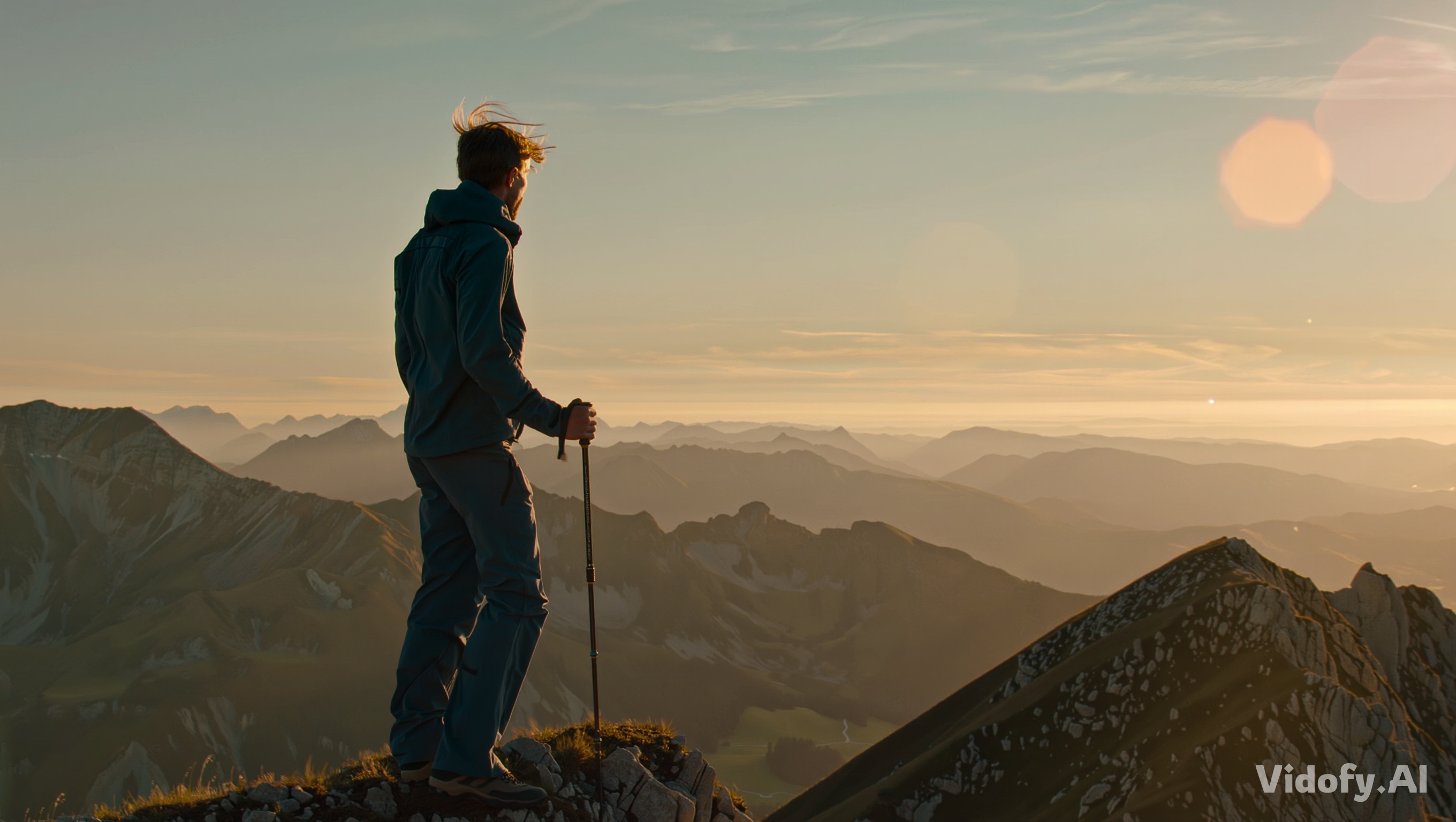
"Outdoor cinematic frame: hiker on a windy ridge at golden hour, believable atmospheric perspective, detailed fabric folds, realistic hair strands affected by wind, distant mountains with layered haze, natural lens flare kept subtle" |
|
Cinematic UHD Still Generation vs Structured Production Control: Kling Image 3.0 vs FLUX.2
Kling Image 3.0 and FLUX.2 both target high-end image generation, but they’re optimized for different creator priorities. Below is a spec- and workflow-focused comparison, with any numeric claims shown only when verified by official sources.
| Feature/Spec |
Kling Image 3.0
Recommended
|
Flux.2 |
|---|---|---|
| Model category | Image generation model (still images) | Image generation + image editing model family |
| Max output resolution (officially stated) | 2K and 4K ultra-high-definition output | Up to 4MP output/editing |
| Multi-reference inputs (officially stated maximum) | Not verified in official sources (latest check) | Up to 10 reference images |
| Image editing support | Not verified in official sources (latest check) | Text-to-image + image editing (single-reference and multi-reference) |
| Open-weights option | Not verified in official sources (latest check) | Open-weight variant available (FLUX.2 [dev], 32B parameters) |
| Officially stated workflow strengths | Cinematic realism for professional visualization and production assets; strong preservation of textures, lighting, and material qualities | Designed for real-world creative workflows: structured prompting, brand-aligned outputs, and strong handling of text/logos/layouts |
| Accessibility | Instant on Vidofy | Flux.2 also available on Vidofy |
Detailed Analysis
Analysis: When “cinematic realism” is the deliverable
If your goal is to generate stills that can function as serious production inputs (scene visualization, realistic concept frames, marketing-grade renders), Kling Image 3.0 is positioned by Kuaishou as an ultra-high-definition image model optimized for cinematic realism—explicitly calling out textures, lighting, and material qualities as core output priorities.
On Vidofy, that translates into a practical loop: generate multiple high-fidelity options, compare them side-by-side, and keep iterations organized per project so you can quickly converge on the “hero” frame your team can actually use.
Analysis: When controllability and multi-reference editing drive the pipeline
FLUX.2 is engineered around production-style control: the official Black Forest Labs documentation highlights multi-reference support (up to 10 images) and high-resolution editing (up to 4MP), alongside structured prompts and brand-oriented constraints.
If your workflow depends on repeatable brand consistency, reference-driven variation sets, or editing with multiple inputs, FLUX.2 offers more clearly documented controls—while Kling Image 3.0’s comparable input/edit limits are not currently publicly specified in official sources (latest check).
Verdict: Pick the model that matches your production constraint
Use this quick guidance to pick the best option for your workflow.
Get Your Result in 3 Simple Steps
Follow these 3 simple steps to complete your task quickly.
Step One: Describe the frame you need
Write a detailed prompt focused on subject, environment, materials, and lighting (what it’s made of, how it’s lit, and how it should feel).
Step Two: Generate and iterate on Vidofy
Run multiple variations, compare outputs, and refine your prompt based on what changed (composition, texture fidelity, and lighting behavior).
Step Three: Export your best stills
Download the frames you want to keep and organize them into project folders for easy review, approvals, and handoff.
Frequently Asked Questions
What is Kling Image 3.0?
Kling Image 3.0 refers to Kuaishou Technology’s Image 3.0 model in the Kling AI 3.0 series for still-image generation, positioned for cinematic realism and professional-grade outputs.
What resolutions are officially supported by the Image 3.0 series?
Kuaishou states that Image 3.0 and Image 3.0 Omni support 2K and 4K ultra-high-definition output.
Is Kling Image 3.0 an image model or a video model?
It’s an image (still) model in the Kling AI 3.0 lineup; the same announcement also introduced separate video models (Video 3.0 and Video 3.0 Omni).
Do I need to install anything to use Kling Image 3.0 on Vidofy?
No installation is required. Vidofy runs in your browser, so you can generate images without managing local environments or GPU setup.
Can I use Kling Image 3.0 generations commercially?
Not verified in official sources (latest check)
What are Kling Image 3.0’s limits (prompt length, aspect ratios, batch size, or number of reference images)?
Not verified in official sources (latest check)